Do Doorbell Cameras Need Wi-Fi? A Quick Breakdown of the Options
AUTHOR: Joshua MartinUPDATED: January 9, 2026
Security for homeowners is a growing concern and has been a hot topic for nearly a decade. The technology in this space is expanding and continuing to improve.
Competition is evolving as well, driving overall price points down and making smart home security systems more affordable for individuals around the world.
Unfortunately, affordability doesn’t always translate into a more user-friendly experience.
While home security and certain security devices are relatively simple to understand, that doesn’t mean you won’t have any questions or concerns. For me, I had hundreds of questions pop up when I was first getting started.
One of my questions was simple, but I just wasn’t sure in the beginning. Do doorbell cameras need Wi-Fi? After some trial and error and research, here’s what I can tell you.
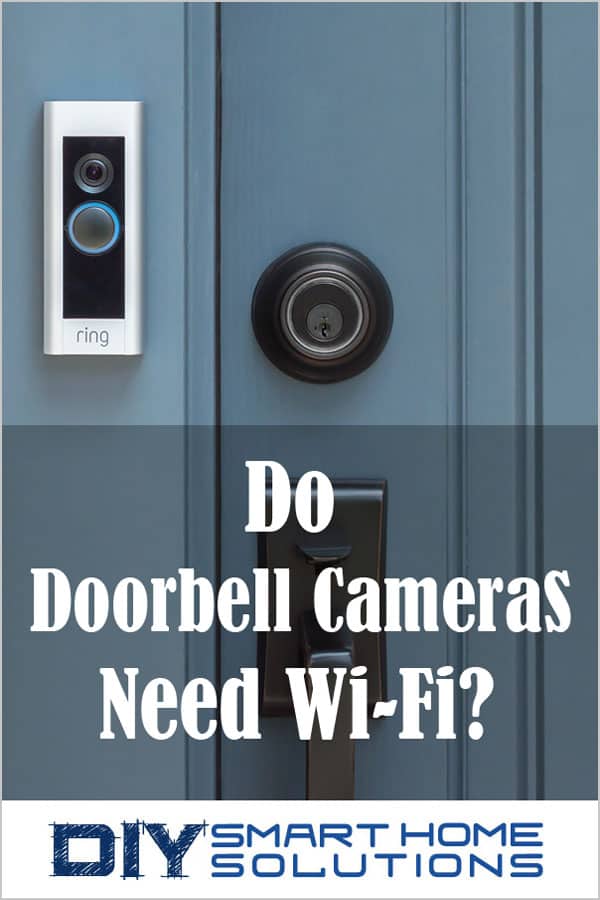
Do doorbell cameras need Wi-Fi? No, doorbell cameras do not need Wi-Fi to function. Wi-Fi is the preferred method of connectivity for doorbell cameras, but it is not the only option. Some doorbell cameras can also use 3G/4G/5G cellular data. You can also connect using a mobile hotspot.
I’m sure this only scratches the surface of this question and you're probably looking for more detail.The good news is I plan on delivering that and bringing you everything you need to know about doorbell cameras and their connectivity options so you can make sure it really is the UPS man on your doorstep the next time that doorbell rings.
Smart Home Deals @ AmazonYes, You Have Other Options for Doorbell Camera Connectivity, But That Doesn’t Mean You Should Use Them
There are other options to gain signal and connect to your doorbell camera outside of a wireless network, but that doesn’t mean that they should be your first choice.
A Wi-Fi connection is still going to be your #1 option hands down. No question about it.
A Wi-Fi connection is going to provide a stable and secure connection which offers the best signal for connectivity to your doorbell camera. You can even add a signal booster, if needed, to add strength to the connection for other devices.
The Other (Not as Favorable) Connectivity Options
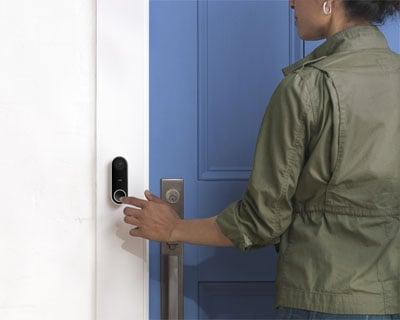
Image Courtesy of: Nest
Here are some options for those of you who would prefer to buy a security system before springing the budget on home internet service.
Many Wi-Fi based security systems and cameras are capable of transmitting data using 3G and 4G cellular data. And soon 5G may be in the picture as well.
Data usage charges on cell phone plans that don’t include unlimited data can rack up quickly. Streaming and accessing live video are functions that require copious amounts of data. About the same amount of data as streaming your favorite Netflix show.
This is yet another reason to consider an internet provider instead of relying on your mobile network for connectivity. The cost of using data through a 3G or 4G network might end up being more than a monthly internet bill.
And while you can also connect through a mobile hot spot, it may not be the best option. Let’s think about something for a moment. Have you ever tried using a hot spot on your cell phone for minor data usage or for loading a file that’s a bit on the large side? Did it take just under a decade to complete this task?
Exactly. Slow, right?
Not to mention the connection through a hot-spot is unreliable, to say the least. This is why we recommend Wi-Fi as the preferred method of connectivity for your doorbell camera.
Give the Doorbell Camera Some Credit, It’s Processing A Lot of Information
Now, let’s think about what your doorbell camera is actually doing for you.
First, your doorbell camera is using motion activated sensors that are programmed to begin recording and displaying video when the doorbell rings. No big deal. At least not yet.
Following that, you're now expecting your doorbell to capture stunning crisp video and images. You might even want it to have the ability to transmit audio and voice back and forth to the man soliciting at your front doorstep.
For any of you that understand computers, you know that this is a lot of data and processes taking place, all within a short amount of time.
Speed in transferring that data helps dramatically in these situations, and whenever possible, speed should be a priority.
How Doorbell Cameras Work
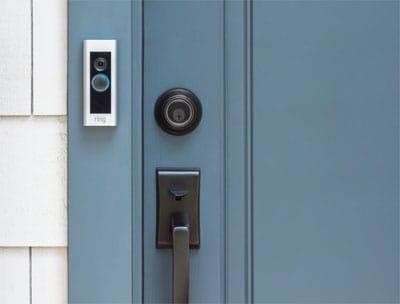
Image Courtesy of: Ring
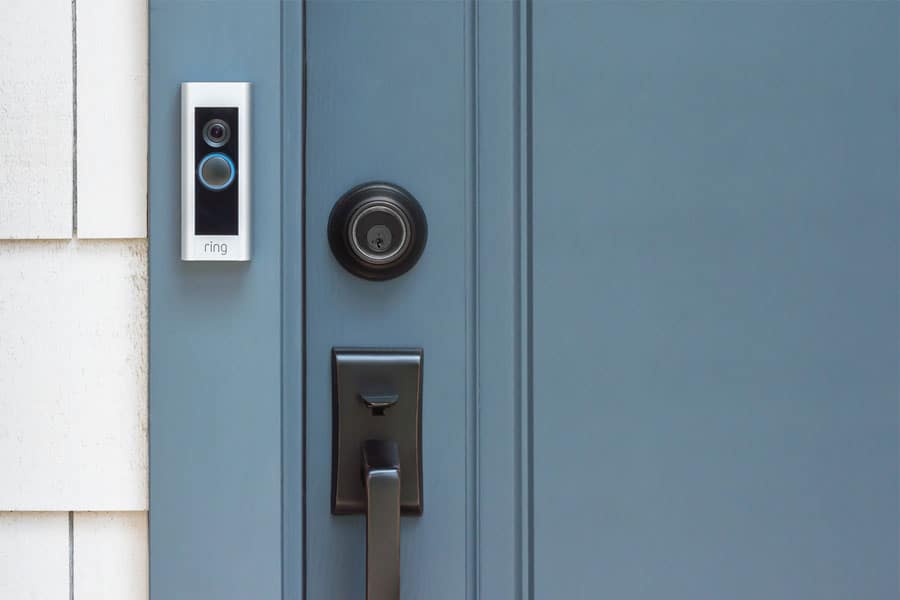
As mentioned before, in most circumstances, your doorbell camera will be connected to your home Wi-Fi network.
At this point, your doorbell camera will send real-time data to your mobile device informing you that the girl scouts are at the front door, ready to sell you some cookies.
Once you have received this electronic transmission in real time, you can see who is on your doorstep, and with any reputable doorbell camera, you will have the ability to speak to the visitors using 2-way audio communication.
Most doorbell cameras do not require a separate power source to operate. Instead, these devices are powered through the existing wiring of the doorbell system that was originally installed in the home.
Battery-powered doorbell cameras are also available for those without existing wiring infrastructure.
The Preferred Method of Connection Explained
The preferred method of connectivity is a wireless network in the format of 802.11 B G or N. Most doorbell cameras can connect to a 2.4GHz channel. Higher end models can also connect to a 5GHz channel.
An internet connection with relatively decent speeds is what will allow your doorbell camera to seamlessly transmit live HD video and audio to the app installed on your desktop or mobile device.
Without a strong Wi-Fi connection, notifications may be delayed. This may also cause video streams to be interrupted or delays while talking through the 2-way intercom.
For optimal performance, the minimum bandwidth available should be between 0.5 Mbps to 2 Mbps. A Wi-Fi extender may be needed to make sure the signal stays strong throughout the house.
Related Article: Essential Guide to Wi-Fi Networks - How to Speed Up Your Connection
What if My Wi-fi Network Crashes or Goes Down?
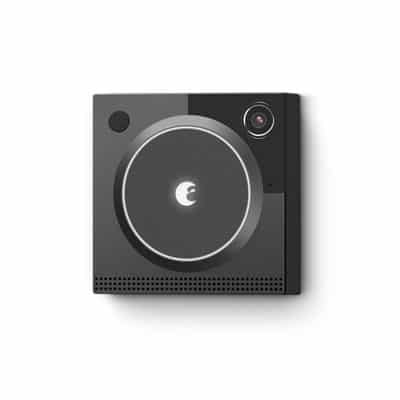
Image Courtesy of: August
Don’t worry, in this situation, you are going to be okay.
Your doorbell will still work perfectly fine without a Wi-fi connection. The doorbell will still ring since that function has nothing to do with your internet connection.
Unfortunately, if your Wi-Fi connection does go down and you aren’t able to connect using any of the other methods we’ve laid out for you, all of the other functions on your doorbell camera cannot be performed.
Video streaming, audio transmission, and recording can’t be performed without a Wi-fi connection.
Assuming I Have Wi-Fi, Can I Connect the App on Any Device?
Yes, you can install the app for your doorbell camera on basically any platform. You can download the app onto your desktop computer, laptop, mobile device, or tablet.
Any device sharing the same network and having the ability to download the application will allow you to use all functions of the doorbell camera without issue.
Can I Share the Application with Other Users?
Absolutely. Once you have your doorbell camera installed and you have set up the application on your mobile device, you can select which users and what permissions to set for other family members in the household.
This will typically be under a tab labeled “Security” or “Admin Controls” inside of your doorbell camera application.
Don’t Share Your Wi-Fi Connection with Your Neighbors
First of all, sharing your Wi-Fi connection might leave your network open to hackers.
Secondly, you don’t want your neighbors capable of accessing any video from your cameras.
If you have a doorbell camera, it’s highly likely that you have other devices connected to the network as well. Unless you are BFF’s with your neighbor and you're 100% comfortable with others having access, it’s not recommended to share your Wi-Fi network information or piggyback off others’ Wi-Fi connections.
Don’t be that guy who causes your neighbor’s Netflix to buffer for 10 minutes because you’re tying up the bandwidth when your doorbell rings.
There are plenty of internet providers who offer basic packages for no money down and cheap monthly pricing.
Having a basic plan will work just fine. You don’t necessarily need the speeds of a professional PC gamer.
Related Article: Can Smart Home Automation Be Hacked? 7 Simple Tips to Protect Yourself
Do I Need to Know Anything Else About Doorbell Cameras?
Yes, a few other things should be pointed out to ensure you are prepared and have easy access to use the doorbell camera that you just purchased.
First, if you are going to be using a smartphone to control and monitor your doorbell camera, make sure that the operating system is up to date. For Apple devices, you will need iOS 10.0 or later. For Android devices, you will need Android 5.0 and up.
Additionally, if you're a Windows user, most doorbell cameras require Windows 10 or later to install the desktop application.
Related Article: How to Watch Ring Video Doorbell On Your Computer
Putting It All Together - Wi-Fi is not 100% Necessary, but It Still Takes the Gold Medal
So, we’ve covered how to connect your doorbell camera and which methods work best.
As technology continues to evolve, I’m sure more options will be released, and I will need to update this post.
For the time being, however, Wi-Fi is still the preferred method of connection and has been for quite some time.
If you want to access and use all the features of a doorbell camera without issue, I recommend beginning your investment with an internet service provider and a wireless network and router.
This will allow you to expand into other home automation devices and not be worried about how you will connect to these devices going forward.
For those of you further along in the process of home-automation, consider reading my article about the benefits and uses of a smart home hub to make all devices and technology communicate seamlessly.
Recommended Products
About the Author