Do Smart Door Locks Need Wi-Fi? How to Connect
AUTHOR: Carlos ParasUPDATED: January 5, 2026
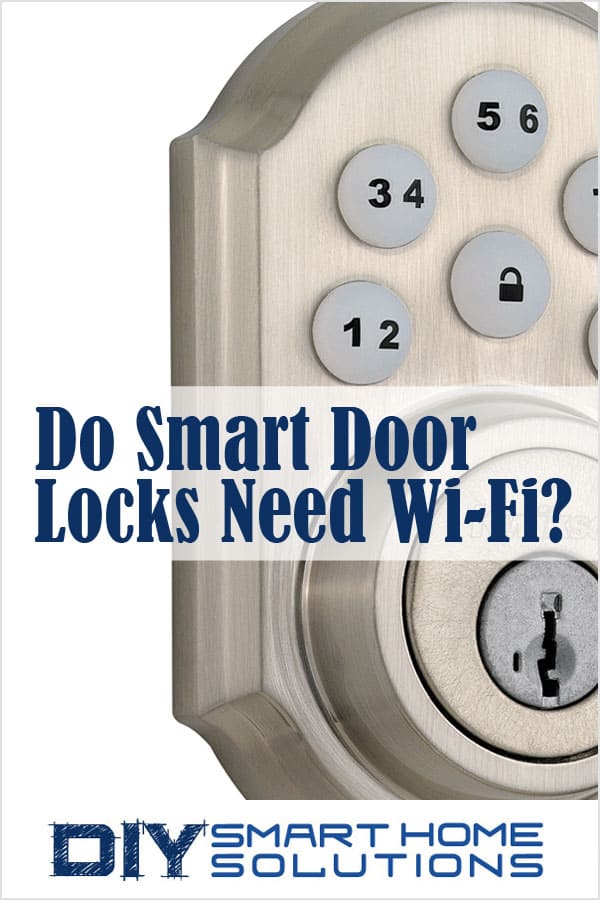
Smart door locks not only make a home safer and more secure; they can also add convenience to your life. Being able to unlock and lock a door without using a physical key, allowing access to family and friends without having to duplicate and distribute keys, hands-free operation, and remote control are just a few of the many benefits of a smart lock.
In order to provide these benefits, smart locks need a way to connect to a smartphone, tablet, laptop, or desktop computer.
Do smart locks need Wi-Fi? Smart locks do not require Wi-Fi to work. There are several wireless methods available to connect to a smart lock including Wi-Fi, Bluetooth, Z-Wave, and Zigbee.
Smart Home Deals @ AmazonWi-Fi Smart Locks
Wi-Fi enabled smart locks can be controlled over a Wi-Fi network. Wi-Fi is the most popular connectivity option because most homes already have a Wi-Fi network installed.
If the Wi-fi network is connected to the internet, you will be able to control the smart lock even if you are miles away from home. The Wi-Fi signal must be strong and continuous in order to provide stable operation. Some Wi-Fi smart locks are able to be integrated with Amazon Alexa, Google Assistant, and Apple HomeKit.
Bluetooth Smart Locks
Bluetooth enabled smart locks use less power than Wi-Fi locks. This allows for longer battery life. In fact, most Bluetooth smart lock batteries may last a year or longer. However, Bluetooth range is limited and you will only be able to control the lock within a short distance, typically within 400 feet.
A Bluetooth smart lock doesn’t require a hub or a Wi-Fi network. Bluetooth devices can connect directly to a smartphone or computer.
Bluetooth smart locks are great if you live in an apartment or small home and only need to control the lock while you’re at home.
Z-Wave Smart locks
Z-Wave is another alternative for connecting smart home devices in a network. Z-Wave smart locks cannot connect directly to a smart phone or computer. They require a separate Z-wave hub which can then be connected to an internet router.
When Z-wave devices are connected, they operate as a mesh network. Each device in the network as a “repeater”, passing the signal from the hub through each device until it reaches the end devices. This effectively increases the hub’s signal range without deteriorating its signal strength.
Z-wave smart locks use less power than Wi-Fi smart locks. This increases battery life and reduces how often you have to replace or recharge batteries.
Related Article: Z-Wave Explained: What It Is and How It Works
Zigbee Smart Locks
Zigbee is a wireless connectivity option that is similar to Z-Wave. A separate hub is required to connect Zigbee devices to a smart phone or computer. Zigbee operates on a lower frequency than Wi-Fi which results in lower power consumption and longer battery life. Zigbee devices operate in a mesh network much like Z-Wave devices do.
Related Article: Zigbee Explained: What It Is and How It Works
About the Author