Do Smart Door Locks Need Wi-Fi? How to Connect
AUTHOR: Carlos ParasUPDATED: January 5, 2026
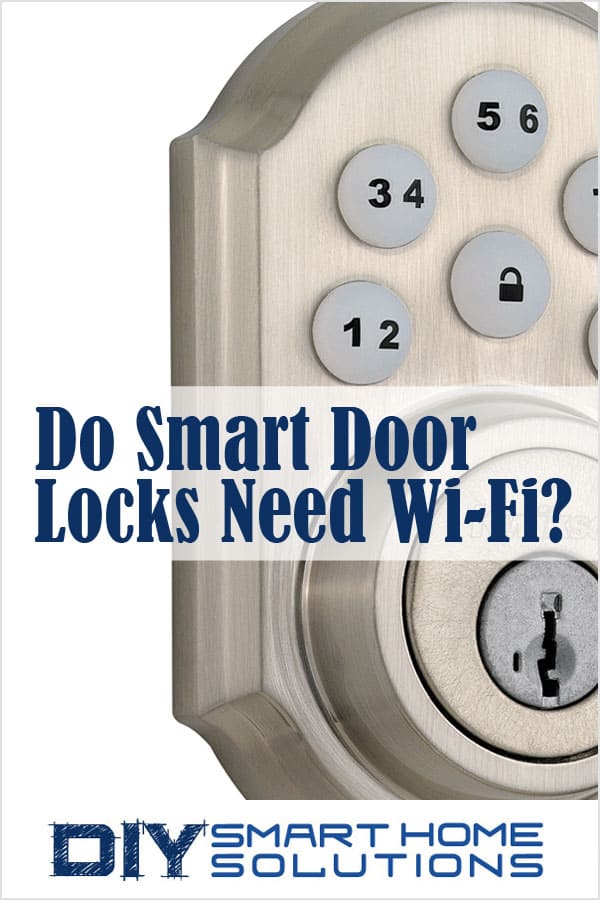
Smart door locks not only make a home safer and more secure; they can also add convenience to your life. Being able to unlock and lock a door without using a physical key, allowing access to family and friends without having to duplicate and distribute keys, hands-free operation, and remote control are just a few of the many benefits of a smart lock.
In order to provide these benefits, smart locks need a way to connect to a smartphone, tablet, laptop, or desktop computer.
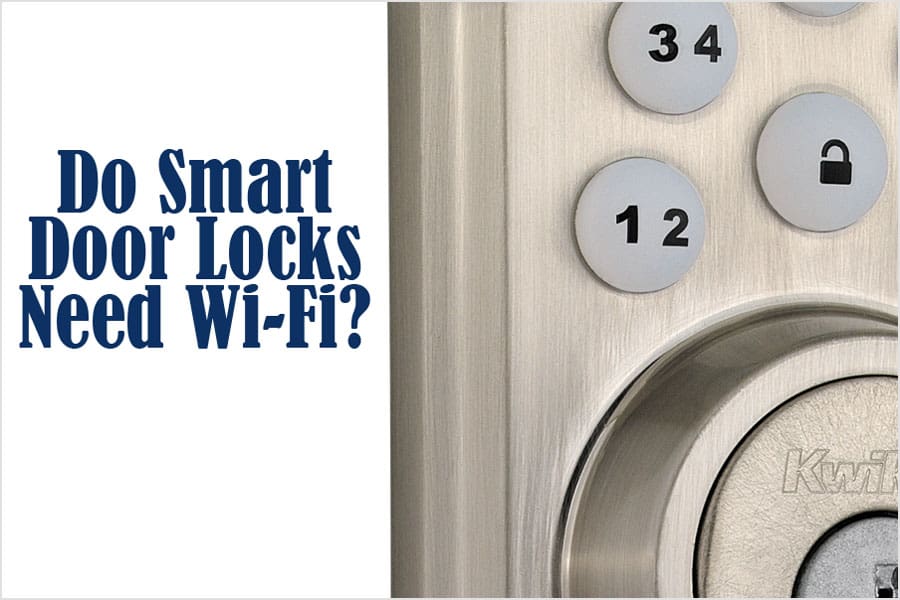
Do smart locks need Wi-Fi? Smart locks do not require Wi-Fi to work. There are several wireless methods available to connect to a smart lock including Wi-Fi, Bluetooth, Z-Wave, and Zigbee.
Smart Home Deals @ AmazonWi-Fi Smart Locks
Wi-Fi enabled smart locks can be controlled over a Wi-Fi network. Wi-Fi is the most popular connectivity option because most homes already have a Wi-Fi network installed.
If the Wi-fi network is connected to the internet, you will be able to control the smart lock even if you are miles away from home. The Wi-Fi signal must be strong and continuous in order to provide stable operation. Some Wi-Fi smart locks are able to be integrated with Amazon Alexa, Google Assistant, and Apple HomeKit.

- ANYWHERE ACCESS: With built-in WiFi compatibility, you can easily and securely connect your Schlage Encode Deadbolt to your...
- PEACE OF MIND: Lock and unlock from anywhere, manage up to 100 access codes for keyless entry, view lock history, receive...
- VOICE CONTROL: Works with Alexa and Google Home for optional, hands-free convenience when paired with the Schlage Home app...
- ADVANCED SECURITY: Secure, encrypted connection; built-in, customizable alarm for door movement and forced entry attempts;...
- EASY INSTALL: Install in minutes with just a screwdriver, no hardwiring required; Snap ‘n Stay design helps keep the lock...


- CONTROL FROM ANYWHERE: Wi-Fi enabled smart door lock (no hub required), use the Kwikset app to remotely lock and unlock,...
- CONVENIENT KEYLESS ENTRY: Enable intelligent geofencing to automatically unlock as you approach your home, unlock using the...
- SHARE ACCESS WITH GUESTS: Backlit keypad supports up to 250 access codes for keyless entry; use the Kwikset app to share...
- SMART HOME INTEGRATION: Works with Amazon Alexa or Google Home, control your lock with your voice and create helpful...
- INTRUSION DETECTION: Instant notifications in the Kwikset app alert you of any unusual lock activity, including invalid code...

- CONTROL FROM ANYWHERE: Wi-Fi enabled smart door lock (no hub required), use the Kwikset app to remotely lock and unlock,...
- CONVENIENT KEYLESS ENTRY: Enable intelligent geofencing to automatically unlock as you approach your home, unlock using the...
- SHARE ACCESS WITH GUESTS: Backlit keypad supports up to 250 access codes for keyless entry; use the Kwikset app to share...
- SMART HOME INTEGRATION: Works with Amazon Alexa or Google Home, control your lock with your voice and create helpful...
- INTRUSION DETECTION: Instant notifications in the Kwikset app alert you of any unusual lock activity, including invalid code...

- CONTROL FROM ANYWHERE: Wi-Fi enabled smart door lock (no hub required), use the Kwikset app to remotely lock and unlock,...
- CONVENIENT KEYLESS ENTRY: Enable intelligent geofencing to automatically unlock as you approach your home, unlock using the...
- TOUCH TO UNLOCK: Unlock your door with your fingerprint, add up to 100 fingerprints (50 users) for friends and family,...
- SMART HOME INTEGRATION: Works with Amazon Alexa or Google Home, control your lock with your voice and create helpful...
- INTRUSION DETECTION: Instant notifications in the Kwikset app alert you of any unusual lock activity, including invalid code...

- KEY-FREE ACCESS, YOUR WAY: Everyone that needs access can choose their own way to unlock, whether it's the keypad, voice...
- DON’T WORRY, IT'S LOCKED: Never worry again about remembering to lock the door. Yale can be set to Auto-Lock once DoorSense...
- NOT HOME? USE THE APP: We know that even when you’re not home, it’s still on your mind, and your to-do list. Lock-up, let...
- EXPECTING COMPANY?Share unlimited codes with family, friends, and service people for simple, trackable access to your home,...
- LET YALE AUTO-UNLOCK: For those times when your hands are full, Yale can get the door as you get home. With optional...

- Replaces your existing deadbolt with a slim, key free deadbolt with touchscreen keypad no keys to lose, no cylinder to...
- Lock, unlock, share access and see who comes and goes from anywhere using the Yale Access App - no additional hub needed,...
- Your door will unlock automatically as you get home and have your phone on you - If you don't have your phone, just use the...
- Lock, unlock and check lock status with voice assistants including Alexa, Hey Google and Siri. Alexa can also provide...
- Never worry about if you forgot to lock the door - enable Auto-Relock to ensure the door always locks behind you.

- UPGRADE YOUR EXISTING DEADBOLT: August smart locks fit on the inside of your door, making your regular deadbolt smarter, more...
- GRANT ACCESS WITH THE AUGUST APP: Forget key copying. Quickly and easily share permanent, scheduled or temporary access to...
- EASY TO INSTALL ON ANY DOOR: Even if you’re not so handy, installation only takes about 10 minutes. August locks fit...
- AUTO-LOCKS AND UNLOCKS: August Wi-Fi Smart Lock is able to Auto-Unlock as you get home for totally hands-free unlocking...
- WORKS SEAMLESSLY WITH YOUR SMART HOME: Built-in Wi-Fi allows your lock to work with your favorite voice assistant, including...
No products found.

- Wyze smart lock: Lock or unlock your door from anywhere using the Wyze app. Wyze Lock connects to your WiFi via the included...
- Certified for Humans – Smart home made easy for non-experts. Setup with Alexa is simple.
- Simple sharing: Wyze Lock lets you easily share access to your home with friends, family, contractors, dog walkers, and...
- Door position detection: Wyze Lock not only tells you the lock status, but also if the door is open or closed. Unlike other...
- Keyless door entry: Simply walk up to your door and have it unlock automatically and then lock behind you once you're inside....
Bluetooth Smart Locks
Bluetooth enabled smart locks use less power than Wi-Fi locks. This allows for longer battery life. In fact, most Bluetooth smart lock batteries may last a year or longer. However, Bluetooth range is limited and you will only be able to control the lock within a short distance, typically within 400 feet.
A Bluetooth smart lock doesn’t require a hub or a Wi-Fi network. Bluetooth devices can connect directly to a smartphone or computer.
Bluetooth smart locks are great if you live in an apartment or small home and only need to control the lock while you’re at home.
No products found.

- CONTROL WITH YOUR PHONE: Use your phone to lock/unlock, share guest access, monitor activity at the door, and so much more...
- SHARE ACCESS WITH GUESTS: Backlit keypad with support for up to 250 access codes. Use the Kwikset app to schedule access...
- MONITOR YOUR HOME: View history log, receive activity notifications, and monitor user access while using the Kwikset app in...
- AUTO-LOCK SECURITY: Set a duration for your door to lock automatically after entry or exit, perfect for keeping your hands...
- EASY INSTALL: Do it yourself, installs in minutes with just a screwdriver, fits doors between 1-3/8" and 2" thick
No products found.

- Fingerprint Unlock: Gone are the days of fumbling for keys. Wyze Lock Bolt recognizes your fingerprint and unlocks the door...
- Numbered Keypad (+ Anti-Peep): Use a code to get in and out. Feel free to create unique codes for each person, so you can...
- View the lock/unlock history: Bluetooth connection required. Know who came and went in the Wyze app. You can see how it...
- Auto Lock: Never forget to lock the door behind you. By enabling Auto-Lock, Wyze Lock Bolt automatically locks the door after...
- Replaces Existing Deadbolt: Wyze Lock Bolt replaces your existing deadbolt in about 20 minutes with easy-to-follow,...
Z-Wave Smart locks
Z-Wave is another alternative for connecting smart home devices in a network. Z-Wave smart locks cannot connect directly to a smart phone or computer. They require a separate Z-wave hub which can then be connected to an internet router.
When Z-wave devices are connected, they operate as a mesh network. Each device in the network as a “repeater”, passing the signal from the hub through each device until it reaches the end devices. This effectively increases the hub’s signal range without deteriorating its signal strength.
Z-wave smart locks use less power than Wi-Fi smart locks. This increases battery life and reduces how often you have to replace or recharge batteries.
Related Article: Z-Wave Explained: What It Is and How It Works

- Pair with a Z Wave smart home or security system like Samsung SmartThings or Ring Alarm to lock and unlock from...
- Hands free voice control requires Z Wave smart home system and compatible voice assistant; Alexa device (sold separately)
- Easy to install with just a screwdriver; Unique Snap ‘n Stay technology snaps the deadbolt onto the door so both hands are...
- Use the finger print resistant touchscreen to share up to 30 access codes instead of keeping track of spare keys.Keying:...
- The keypad is backlight. The keypad illuminates blue so it can be used at night!!

- Unlock your door without keys by entering your code on the lock's backlit keypad; Lock the door behind you by pressing any...
- Lock and unlock your door from anywhere by adding the lock to a compatible Z-Wave smart home or alarm system and app (i.e....
- Replaces your existing deadbolt in minutes on standard doors, 1-3/4" to 2-1/4" thick with just a screwdriver. No additional...
- Comes with two physical keys for added peace of mind
- Works with Alexa via a compatible hub. Features may vary based on Z-Wave controller. Requires compatible system for smart...
No products found.

- Secured keyless entry convenience with an ultra responsive touchscreen and one touch locking.Control Method:Voice
- Bright white LED’s for clear visibility in the brightest sunlight
- 30 user codes plus master code feature for added security
- SmartKey technology allows you to re-key your lock by yourself in seconds
- BHMA grade 2 certified
No products found.
No products found.
Zigbee Smart Locks
Zigbee is a wireless connectivity option that is similar to Z-Wave. A separate hub is required to connect Zigbee devices to a smart phone or computer. Zigbee operates on a lower frequency than Wi-Fi which results in lower power consumption and longer battery life. Zigbee devices operate in a mesh network much like Z-Wave devices do.
Related Article: Zigbee Explained: What It Is and How It Works

- Works with Zigbee panels and hubs, including: Amazon Echo Plus, Echo 2020 (4th Gen), Echo Show 10, SmartThings Hub v3, Tuya...
- Up to 30 customizable user codes for family and friends
- Featuring SmartKey Security, which protects against advanced break-in techniques and allows you to re-key your lock yourself...
- BHMA Grade 2 certified
- For use on exterior doors where keyed entry and security is needed

- Works with Zigbee panels and hubs, including: Amazon Echo Plus, Echo 2020 (4th Gen), Echo Show 10, SmartThings Hub v3, Tuya...
- Up to 30 customizable user codes for family and friends
- Featuring SmartKey Security, which protects against advanced break-in techniques and allows you to re-key your lock yourself...
- BHMA Grade 2 certified
- For use on exterior doors where keyed entry and security is needed
About the Author