How Long Does Ring Video Doorbell's Battery Last? Why Does It Drain So Quickly?
AUTHOR: Carlos ParasUPDATED: January 5, 2026
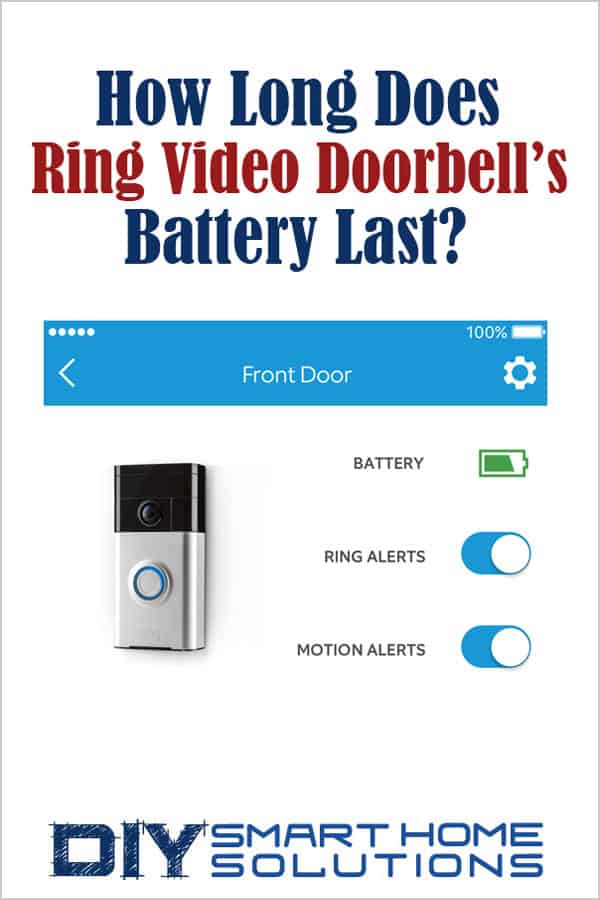
Are you considering buying a Ring Video Doorbell? Have you already purchased one and wondering how long the battery lasts before you have to recharge it?
Well, you’ve landed on the right page. There is a ton varying information online about the battery life for Ring Video Doorbells and Ring devices in general. Most of the information is outdated, which makes things confusing, to say the least.
So, I thought I would write this article to give you the most updated information.
In this article, I will describe how long the doorbell camera's battery lasts and explain why the battery may need to be recharged more often. At the end of the article, I will offer some tips on how you can extend the time between recharging your battery.
Smart Home Deals @ AmazonHow Long Does Ring Video Doorbell’s Battery Last?

Well, it depends. According to Ring, with normal use the batteries in their devices can go months before having to be recharged. The key phrase here is – “normal use”.
Most of the real-world experience reported by Ring users online show that the average length of time the batteries last in their Ring Video Doorbell is between 3 to 4 months and 3 to 4 days.
That is a very wide range, but how can that be? Think of it this way: It is very similar to how the battery in a smartphone can last several days or several hours depending on how much it is being used.
While Ring doesn’t give an explanation of what “normal use” could or should be, they do offer some suggestions as to why a Ring device’s battery may require more frequent recharges.
Let’s quickly go over the reasons why the video doorbell battery may be draining quickly, then I’ll explain what you can do to lengthen your battery life.
Why Does Your Ring Video Doorbell Battery Drain So Quickly?
It may seem like your battery isn’t holding a charge, but there are several different factors that could affect a Ring Video Doorbell’s battery life.
You Are Experiencing a High Number of Events
The number of events the video doorbell goes through can cause its battery to drain faster. When the motion detector is triggered or the doorbell is engaged, the video doorbell will send an alert and will start recording video, these events utilize the battery’s power.
Opening Live View to see a live video feed or using the intercom to speak through the doorbell will also use battery power.
The more events that happen throughout the day, the more the battery will be used and the quicker it will need to be recharged.
You Are Experiencing Cold Weather
Ring devices like the Video Doorbell use rechargeable lithium-ion batteries. Unfortunately, extremely cold weather will have a negative effect on these types of batteries.
If you live in an area that experiences temperatures below 40°F (4°C), your Ring device’s battery will be less effective at holding a charge once the temperatures get that low. The battery could even stop working if it gets too cold.
Here is a list of critical temperatures to be aware of:
36°F (3°C): The battery may not hold its charge and may have to be recharged more frequently.
32°F (0°C): The battery may not be able to be recharged at all, even if it is hardwired.
-5°F (-20.5°C): The battery may stop working altogether.
Your Device Has a Weak Wi-Fi Connection
Ring Video Doorbells work best when it has a strong Wi-Fi signal connection. If the device is struggling to find or keep the connection, this may cause the battery to drain more quickly.
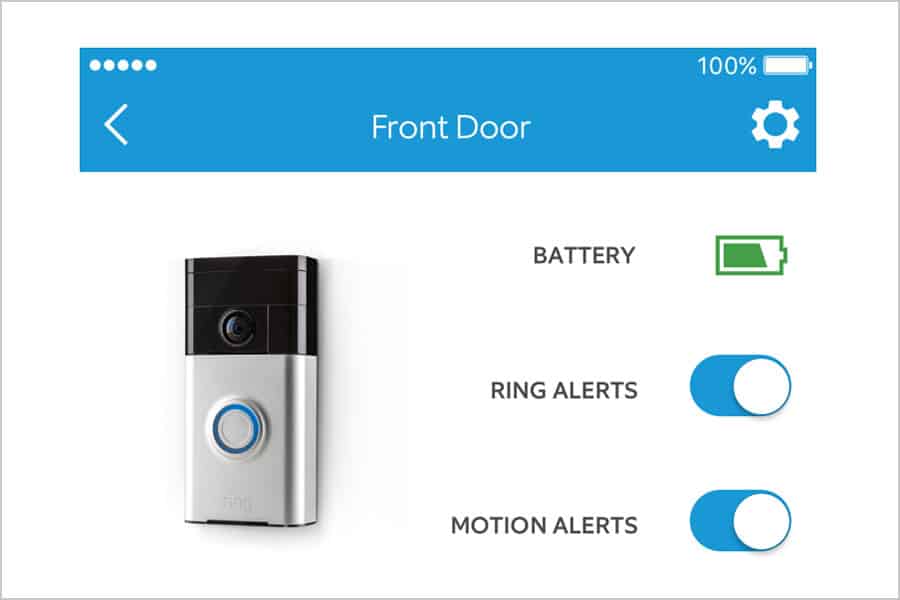
Pro Tip: If you’ve recharged the Ring Video Doorbell battery, and the Ring App still indicates that it’s low on power, give the doorbell a couple of test rings. The battery measurement inside the Ring App updates each time the doorbell is pressed.
How to Lengthen Ring Video Doorbell’s Battery Life
There are a few things you can do to optimize your Ring Video Doorbell's battery life and minimize how often you have to recharge the batteey.
Adust the Motion Detection Settings
If your Ring Video Doorbell is sending a high number of events each day, including “false” events like cars passing by or people walking by on a sidewalk, you might want to consider adjusting the motion detection settings.
- Set Up Motion Zones (for Ring Video Doorbell, Video Doorbell 2, Video Doorbell 3, Video Doorbell 3 Plus, Stick Up Cam, Spotlight Cam Battery)
- Adjust Advanced Motion Detection Zones (for Ring Video Doorbell Pro, Video Doorbell Elite, Spotlight Cam Mount/Wired (2nd generation), Floodlight Cam, Stick Up Cam Wired, Stick Up Cam Elite, Indoor Cam)
- Utilize Motion Scheduling
- Adjust Motion Frequency
When Temperatures Get Too Cold
When temperatures get below 40°F (4°C), the lithium-ion battery in Ring video doorbells may have trouble holding a charge and may not be able to be charged at all.
If the battery’s charge runs out, bring the device inside and charge the battery with a USB cord. Bringing the device inside will allow it to warm up while the battery charges.
Before remounting the device outside, make sure it is fully charged to 100%. This will allow the device to work as long as possible until the temperature gets warmer. As long as temperatures remain below 40°F (4°C), monitor the battery charge to make sure there is enough power to keep the device working.
Monitor Wi-Fi Signal Strength

If the Ring video doorbell is working hard to find or hold a Wi-Fi connection, it will utilize more battery power and require more frequent recharges.
Monitor the Received Signal Strength Indicator (RSSI) of the device in the Ring App. The RSSI will indicate the strength of the device’s Wi-Fi Connection. You can find the RSSI in the “Device Health” section of the Ring App.
An RSSI reading of -40 or better indicates that there is no interference and a very strong signal. Anything lower than -40 indicates possible interference and low signal strength. This could result in a loss of functionality, video issues, or the inability to maintain a usable connection.
If the RSSI reading is below -40, consider using a Wi-Fi signal repeater or a Ring Chime Pro (link to Amazon) to strengthen the Wi-Fi signal to the device.
It’s important to note that the RSSI only indicates signal strength and does not report or test connection speed. Wi-Fi connection speed can also affect a device’s performance.
Related Article: Essential Guide to Wi-Fi Networks - How to Speed Up Your Connection
Recommended Products
About the Author