Why Is My Amazon Echo Flashing Green? How to Disable Blinking Light
AUTHOR: Carlos ParasUPDATED: January 5, 2026
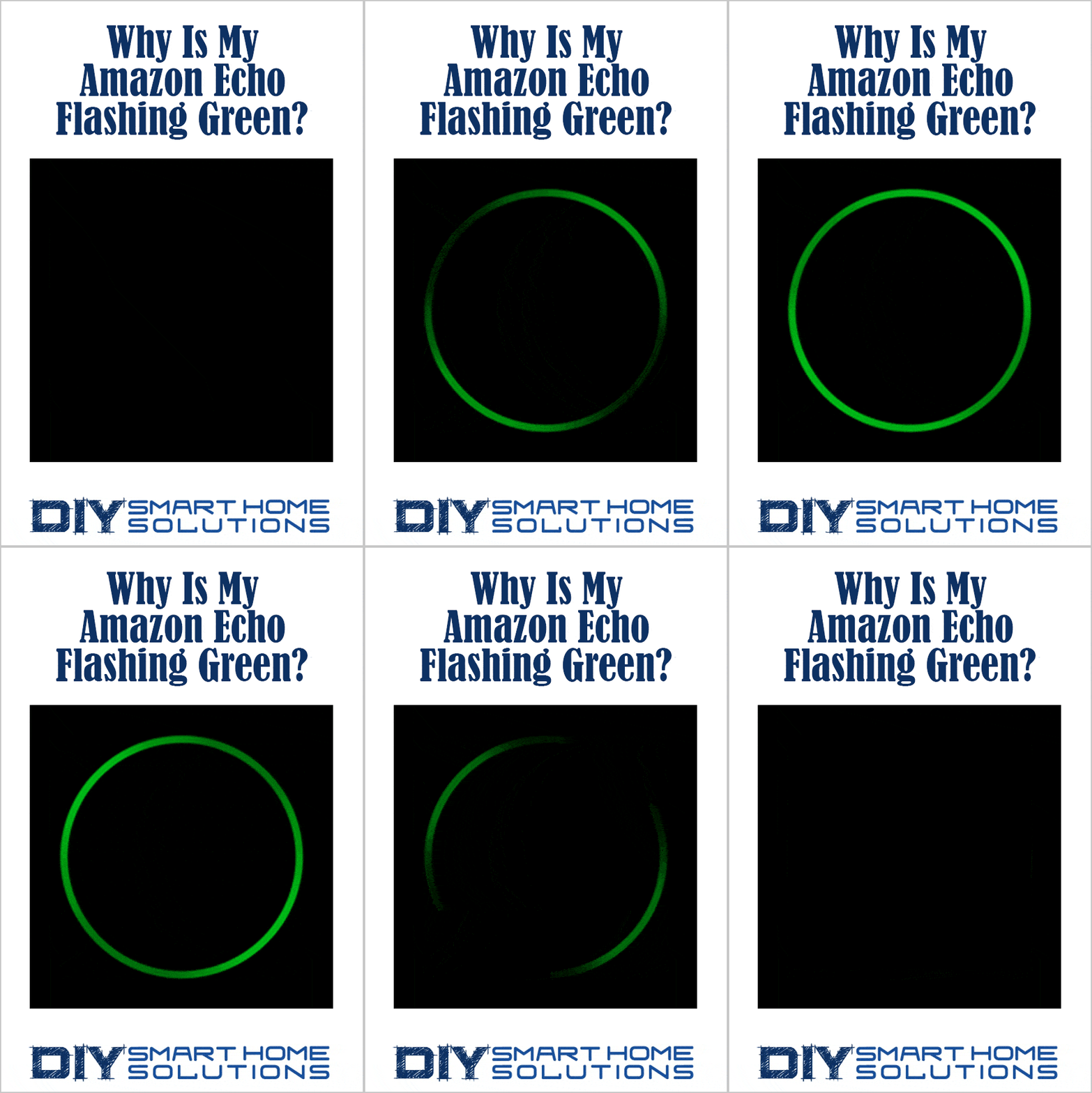
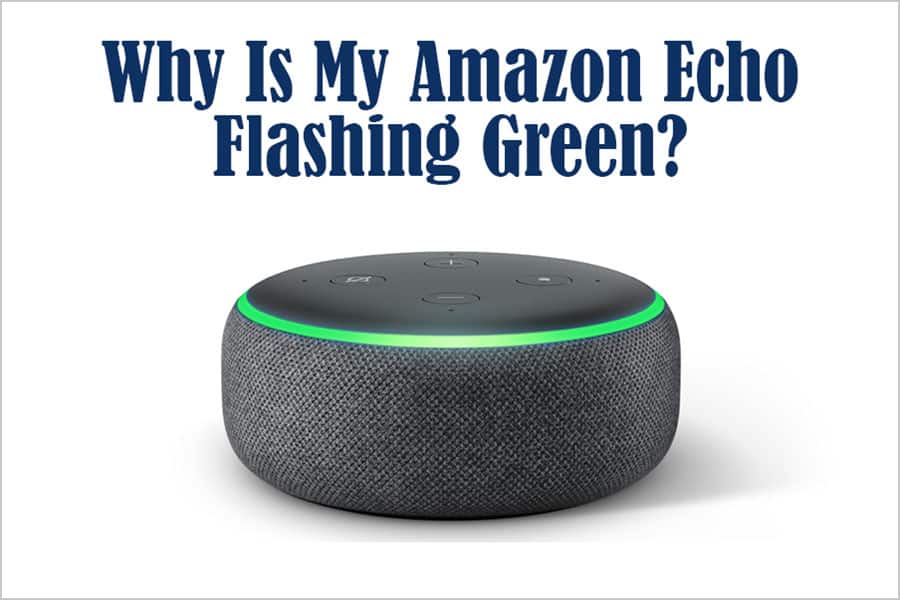
If your Amazon Echo has all of a sudden started flashing green, there’s no need to be alarmed. This simply means there's an incoming call or an active call or an active Drop In.
Smart Home Deals @ AmazonHow to Disable Blinking Green Light
If your Amazon Echo is flashing or blinking green there is an incoming call on your Echo device.
1. Use this voice command to answer the call: “Alexa, answer call."
How to Disable Spinning Green Light
If your Amazon Echo has a spinning green light, it has an active call or Drop In ready for you.
If you didn't expect a call or Drop In, try these steps:
1. Use this voice command to hang up the call or drop in: "Alexa, hang up."
2. Check your voice history to see if Alexa misheard you and started a call or Drop In.
3. Turn off Drop In
- Open the Alexa app
- Open Communicate
- Select Contacts
- Select My Communication Settings
- Use the toggle to turn off Drop In
4. Turn off Communications for specific Alexa devices
- Open the Alexa app
- Select Devices
- Select Echo & Alexa
- Select your device
- Select Communications
- Turn off Communications
- Turn off Announcements to stop broadcast messages to your device.
- Turn off Drop In to stop household members and contacts from connecting to your device.
Please note: Disabling Communications turns off all communication options on your device.
Related Article: Why Is My Amazon Echo Flashing Yellow? How to Disable Blinking Light
Recommended Products
About the Author