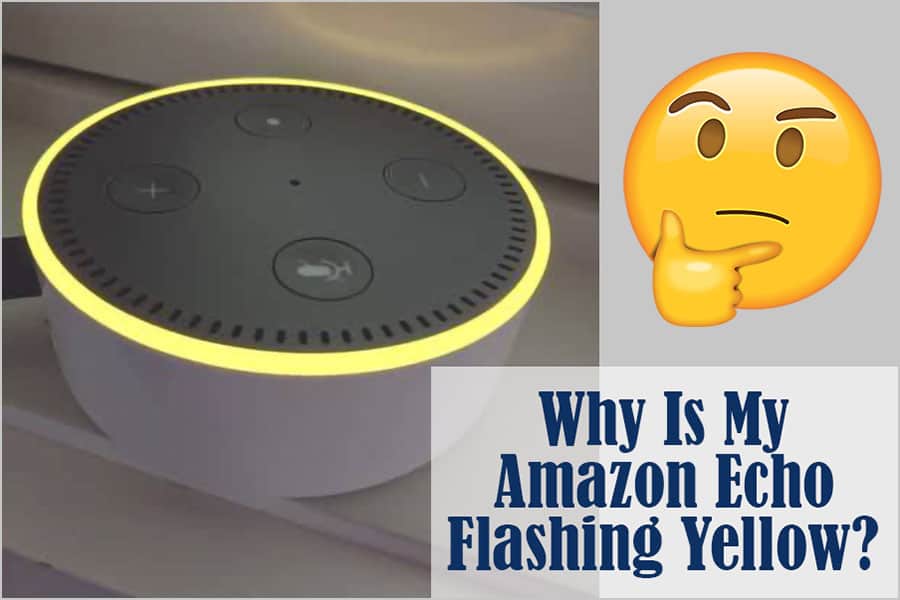
Why Is My Amazon Echo Flashing Yellow? How to Disable Blinking Light
AUTHOR: Carlos ParasUPDATED: January 5, 2026
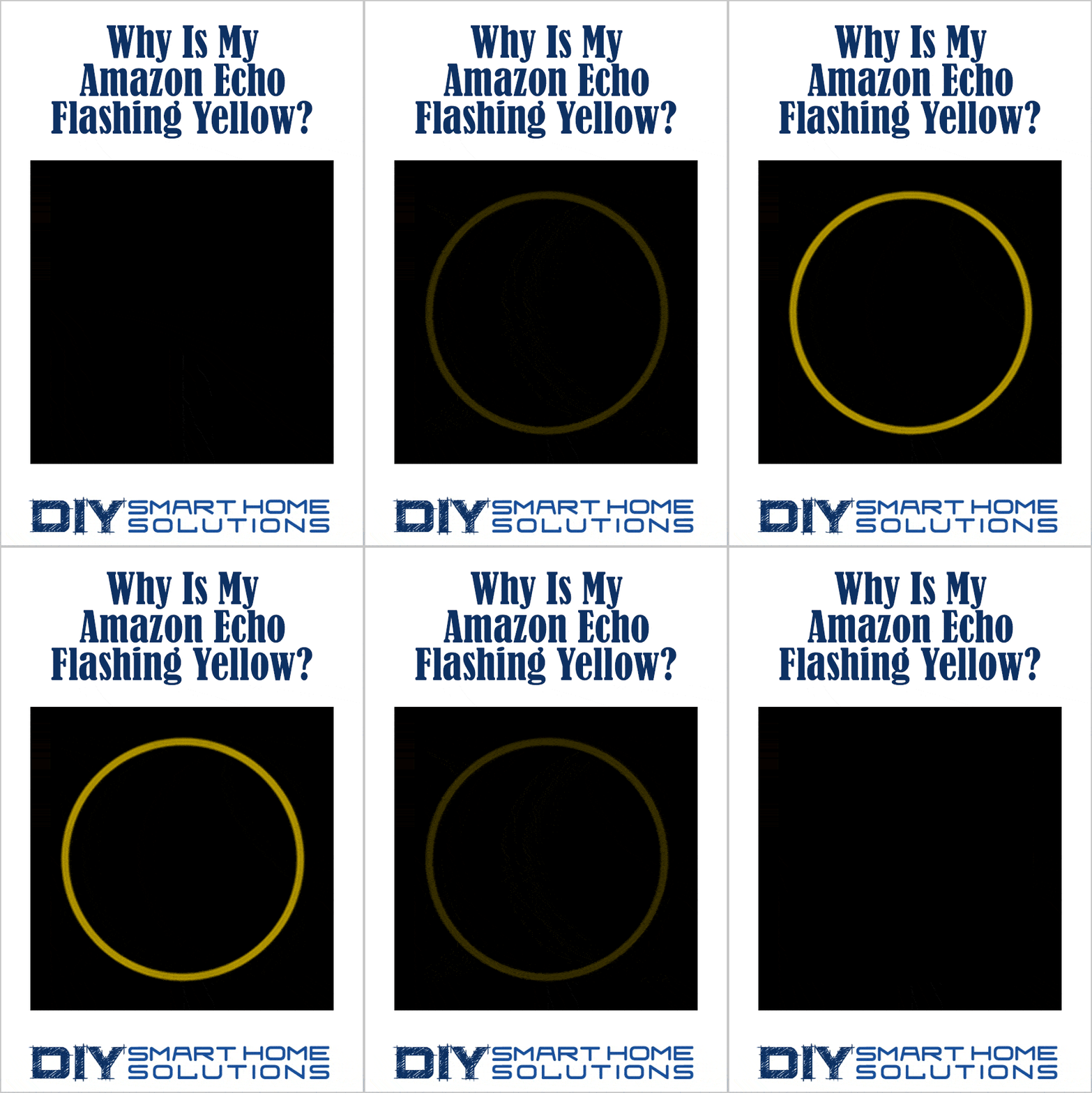
If your Amazon Echo has all of a sudden started flashing yellow, there’s no need to be alarmed. This simply means you have received a new notification or message from an Alexa contact.
Please note: If the yellow light is spinning, this means that your Echo is connecting to the Wi-Fi network.
Smart Home Deals @ AmazonHow to Disable Blinking Yellow Light
There are a few ways to turn off the flashing yellow light.
1. Use this voice command to check your notifications: “Alexa, what notifications do I have?”
2. Use this voice command to check your messages: “Alexa, what messages do I have?"
3. You can also disable notifications by updating the notifications settings in the Alexa app.
- Open up the Alexa app.
- Open More and Select Settings
- Select Notifications
- Choose a feature or service and toggle notifications on or off
What Notifications Does Amazon Send to Your Phone or Tablet?
There are a few different types of notifications that your Amazon account can push to your device.
- Important Message Alerts – Notifications for account alerts
- Shipment Notification – Notifications when packages ship and arrive
- Product Recommendations – Personalized notifications based on your shopping activity
- Watched and Waitlisted Deals – Notifications when Lighting Deals happen
- Alexa and Dash Shopping – Receive helpful links when shopping with Alexa or Dash devices
- Amazon Community Notification – Community updates from Spark, Customer Q&A, Reviews, Follow, etc.
Related Article: Why Is My Amazon Echo Flashing Green? How to Disable Blinking Light
Recommended Products
About the Author